

Product Description
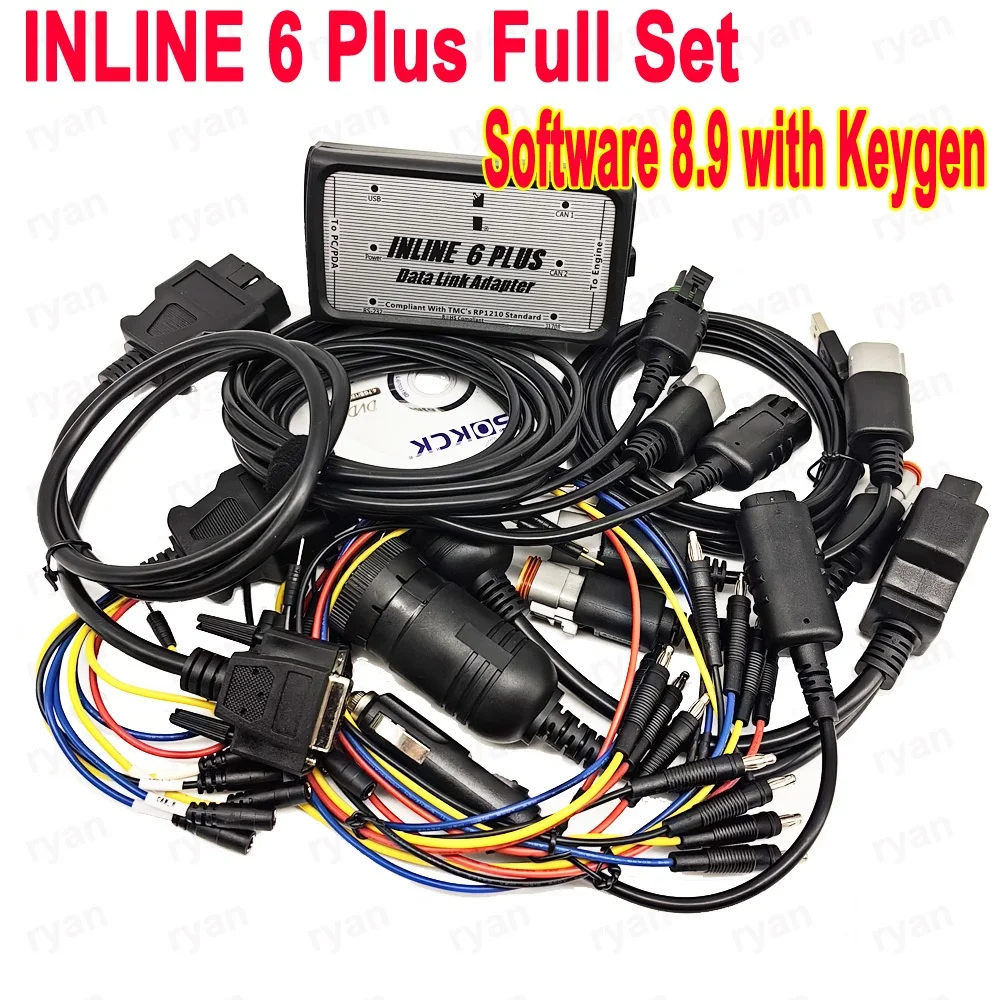
The INLINE 6 PLUS is a highly reliable datalink adapter that can be used on a wide range of applications to communicate with vehicle systems via SAE J1708/J1587 and SAE J1939 protocols. Please note that the INLINE 6 PLUS is designed to be used with RP1210 compliant software.
Minimum System Requirements
Microprocessor – Intel Pentium 500 MHz
Memory – 2 GB CD Drive
Operating System – Windows 7, Vista, & XP SP3
To Install the INLINE 6 Software Driver
• Insert the INLINE 6 driver CD into your computer’s CD-ROM drive.
• Run INLINE6_Driver_Setup.exe
• If a Windows Explorer folder opens, select INLINE6_Driver_Setup.exe
Note that on some systems the autorun settings may be set to have the installation to just begin executing upon CD insertion.
IF YOU SEE: WINDOWS XP – A message appear stating “The software you are installing has not passed Windows Logo…” Click “Continue Anyway”. Click “Finish” when installation is complete.
Note:
Package default come with free software V8.9 CD—-With Keygen
Get INLINE 6 Plus for 5 Reasons
1. The INLINE 6 can communicate with your PC through a 9-pin serial connector. The INLINE 6 also can communicate with your PC over a Universal Serial Bus (USB) through a 4-pin standard connector. The INLINE 6 adapter connects to vehicle power, the SAE J1708/J1587 data link, and two CAN/J1939 data links via a 25-pin serial connector.
2. With full compliance to the Technology and Maintenance Council’s RP1210 standard, the INLINE 6 will work with the latest INSITE, PowerSpec and Calterm III software applications.
3. It will also work with any other software applications that are fully compliant with the RP1210 standard (note that while some non- applications fully support RP1210, others do not, so you should test each application in question with the INLINE 6 adapter to make that determination).
4. The eye-catching INLINE 6 breaks new ground by utilizing the latest electronic technology to deliver high performance and high quality at an attractive price.
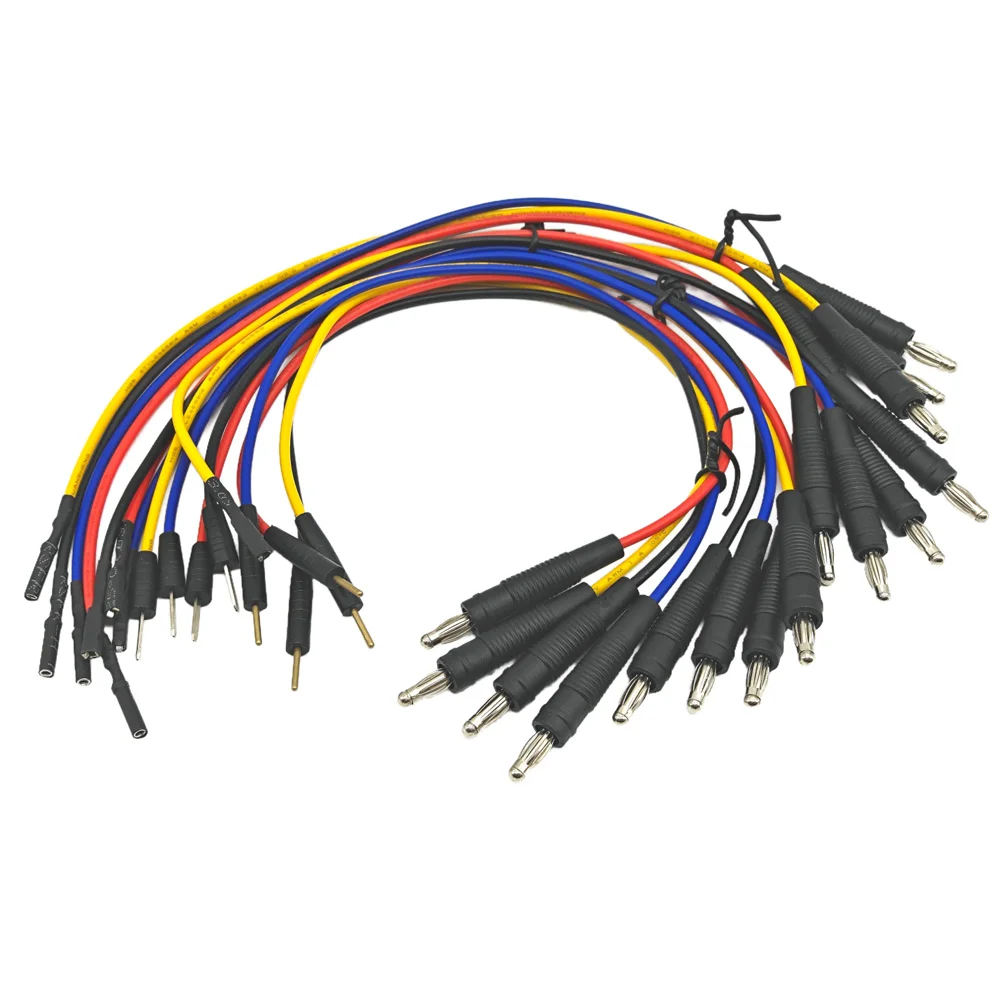
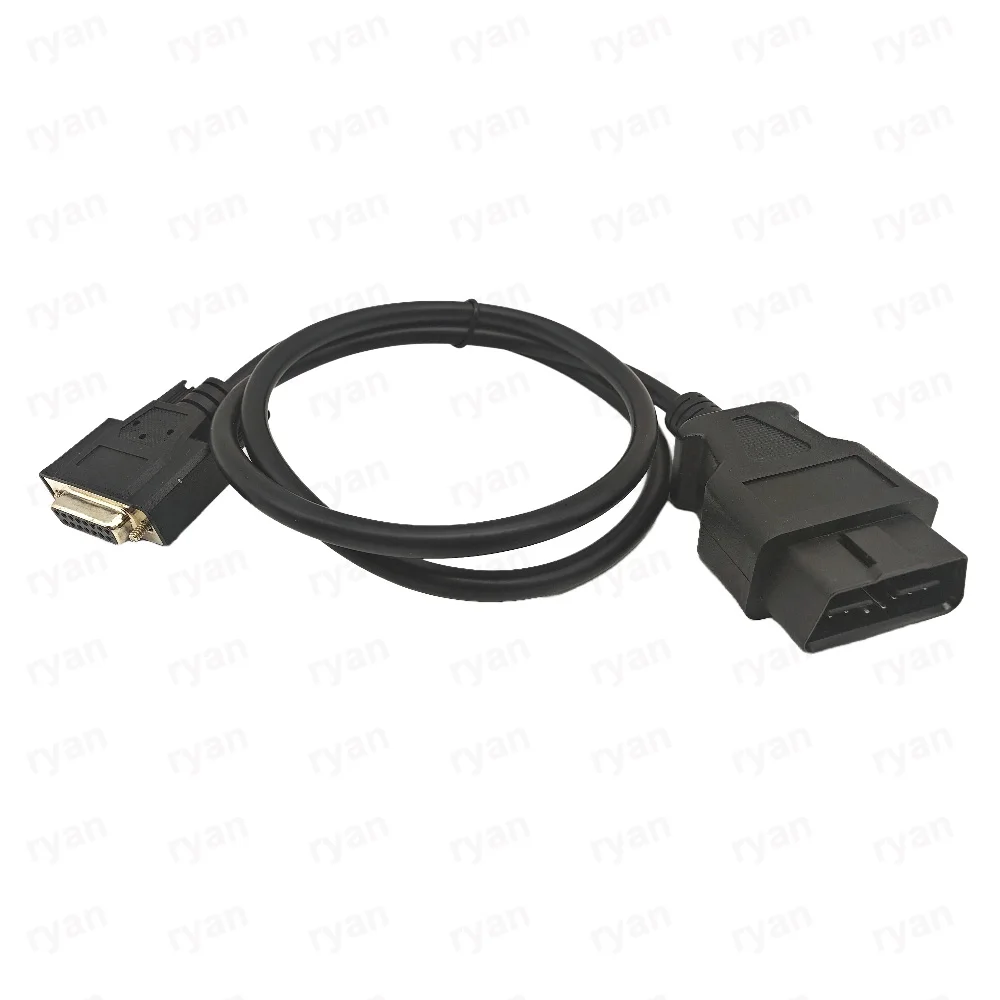
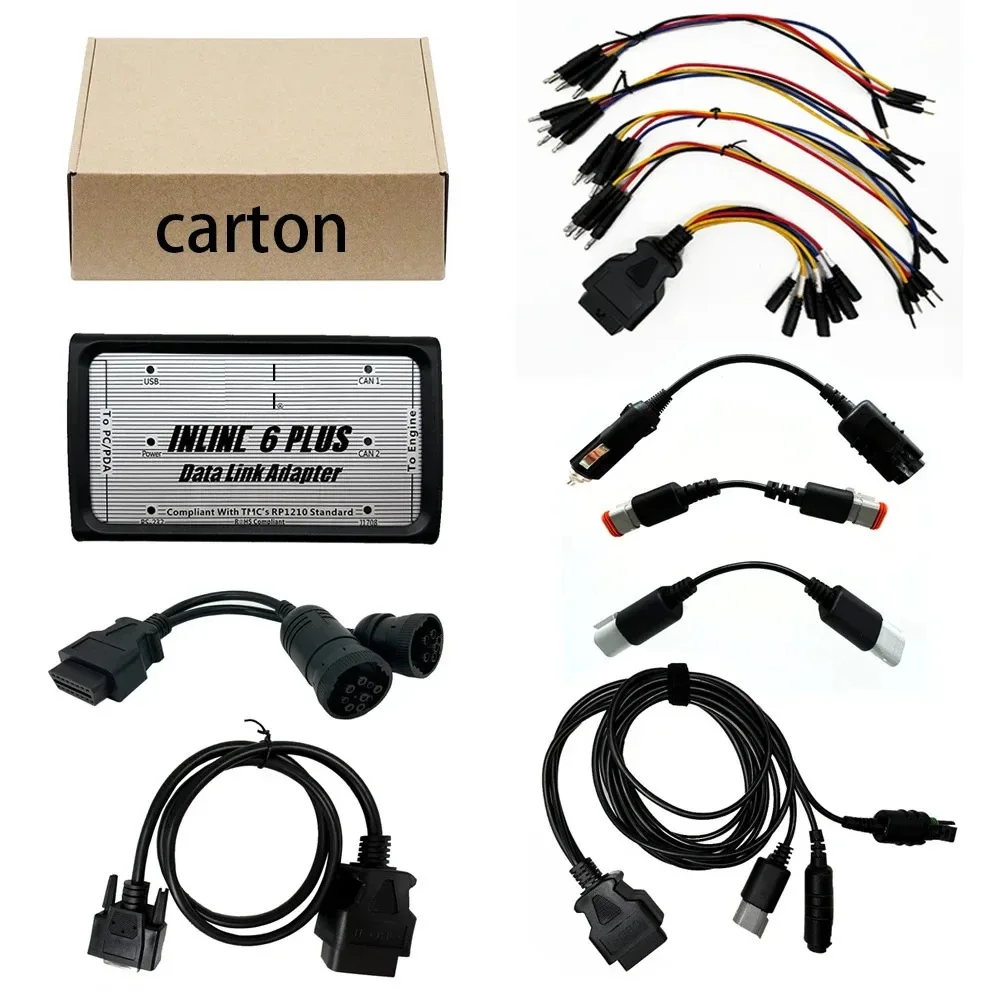
5. Each INLINE kit contains a data link adapter, basic cables, and the INLINE PC software driver. Load the software driver, connect all the hardware, and you are ready to start a new era in data link adapters.
INLINE 6 Plus Features
1. Supports SAE J1708/J1587 and J1939/CAN data links
2. Both CAN ports auto detect between 250 & 500 kbps
3. Supports USB full speed port at up to 2M baud rate
4. Custom USB cable includes thumbscrews for secure mounting to INLINE 6
5. Supports RS-232 PC serial port at up to 115.2k baud rate
6. Is fully compliant with TMC’s RP1210 standard
7. Small enough to fit in pocket
8. Attractive black powder coated aluminum housing provides ruggedness
9. Derives 8 V to 50 V DC power from vehicle
10. Controlled by advanced 140 MHz 32-bit Freescale processor for maximum speed and performance
11. Includes 6 LEDs to indicate status of power, USB, RS-232, J1708/J1587, and two CAN communication ports
12. Both CAN ports support SAE J1939, SAE J2534, and ISO 15765 protocols
13. INLINE 6 is certified to meet European CE requirements
14. Rated for -40° to +85° C operating temperature
15. INLINE 6 meets rigorous in-cab environmental test requirements
INLINE 6 Quick Start Guide
Using Your INLINE 6:
To use the INLINE 6, you must select it from within the application you areusing. Each application has a unique method for selecting datalink adapters.Please refer to the application’s documentation for instructions on selectingRP1210 compliant adapters.
To Install the INLINE 6 USB Hardware:
To install the INLINE 6 USB hardware, power up the INLINE 6 by plugging in the USB cable provided with the kit to the INLINE 6 and the PC.
WINDOWS XP – The Found New Hardware wizard should be displayed.On the first screen, select “Install the software automatically (Recommended)”. Click “Next” to continue. A message may appear “This software has not passed Windows Logo Testing……” Select “Continue Anyway”. Click “Finish” when installation is complete.
WINDOWS VISTA/WINDOWS 7 – No action is required. The system tray
should display a balloon stating “Installing Cu-mmins Inline 6”.
NOTE: If there is a previously installed INLINE 6 driver, you may need to remove the older driver before proceeding.
After you have connected your INLINE 6 to your computer and the computer recognizes it as a valid device – you may need to update the firmware in the adapter. Please see the section below on using the INLINE 6 Reflash Tool
To Uninstall the INLINE 6 Software Driver:
WINDOWS XP- To remove the Cu-mmins INLINE 6 driver, click the “Start”button on the Windows task bar, and then navigate to “Control Panel”. Navigate to “Add or Remove Programs” Click on the entry “Cu-mmins Inline6”. Click the “Remove” button. This will start the uninstall process. Wait until the uninstall process has completed before proceeding. WINDOWS VISTA/WINDOWS 7 – To remove the Cu-mmins INLINE 6 driver,
click the “Start” button on the Windows task bar, and then navigate to “Control
Panel”. Navigate to “Programs/Features” Click the entry “Cu-mmins Inline6’,
Click “Uninstall” at the top of the Programs/Features window. This will start the
uninstall process. Wait until the uninstall process has completed before proceeding.








Reviews
There are no reviews yet.